
MS WINDOWS SERVER CONFIGURING AND TROUBLESHOOTING INTERNET INFORMATION SERVICES
|
|
|
- Emanuele Casali
- 9 anni fa
- Просмотров:
Транскрипт
1 MS WINDOWS SERVER CONFIGURING AND TROUBLESHOOTING INTERNET INFORMATION SERVICES UN BUON MOTIVO PER [cod. E704] L obiettivo del Corso è fornire ai partecipanti la preparazione e le competenze necessarie per installare, configurare, manutenere e risolvere i problemi di un web server Internet Information Services (IIS) 7.0 in Windows Server 2008 A CHI È RIVOLTO Amministratore/Sistemista COMPETENZE ACQUISITE Al termine del corso i partecipanti saranno in grado di: Descrivere l'architettura modulare e i carichi di lavoro di IIS 7.0 Configurare un server web IIS 7.0 Mettere in sicurezza siti web ed application pools Risolvere i problemi di server web, siti ed applicazioni Utilizzare gli strumenti da riga di comando e strumenti di scripting Ottimizzare IIS per incrementarne le performances Manutenere siti web Abilitare tecnologie integrate per estendere le funzionalità di IIS 7.0 PROGRAMMA DI DETTAGLIO

2 1) Configuring an IIS 7.0 Web Server application pools. The students will be introduced to the Introducing Web Sites and Application process of installing a Web Server and Pools configuring IIS features such as Creating a Web Site application development; health and Creating an Application Pool diagnostics; HTTP features and more. Maintaining an Application Pool Introducing Internet Information Services Lab: Configuring IIS 7.0 Web Sites and 7.0 Application Pools Installing the Web Server Role in Configuring Authentication Types Windows Server 2008 Creating a Web Site and Web Application Creating an Application Pool Configuring Application Development, Configuring an Existing Application Pool Health, and HTTP Features Configuring Performance, Security, and Server Component Features 3) Configuring IIS 7.0 Application Settings Lab: Configuring an IIS 7.0 Web Server The students will be introduced to Installing IIS using Role Manager configuring application settings using Installing IIS using Unattend Setup ASP.NET. Installing IIS on Server Core from Configuring Application Settings Command Line Configuring ASP.NET Security Lab: Configuring IIS 7.0 Application Configuring IIS and Validate Functionality Settings Configuring ASP.NET 2) Configuring IIS 7.0 Web Sites and Application Pools The students will be introduced to creating and managing Web sites and Configuring ASP.NET Application Development Settings Configuring a Web Server to Host Multiple Web Applications with Separate Application Pools

3 Configuring ASP.NET Security Configuring Authorization, 4) Configuring IIS 7.0 Modules The students will be introduced to configuring IIS modules. Configuring Native Modules Configuring Managed Modules Authentication, and Access Configuring Logging 6) Configuring Delegation and Remote Administration The students will be introduced to assigning rights to Web site users and configuring users to serve as remote Lab: Configuring IIS 7.0 Modules administrators of a server and its Configuring and Editing Native Modules corresponding Web sites. Configuring and Edit Managed Modules Configuring Remote Administration 5) Securing the IIS 7.0 Web Server and Web Sites The students will be introduced to configuring a secure Web Server and Web sites and to using logging as a tool for monitoring security. Configuring Delegated Administration Configuring Feature Delegation Lab: Configuring Delegation and Remote Administration Configuring Remote Administration Configuring Delegated Administration Configuring Feature Delegation Configuring Secure Web Sites and Servers Configure Other Aspects of Web Server Security Configuring Logging for IIS 7.0 Lab: Securing IIS 7.0 Web Server and Web Sites 7) Using Command-line and Scripting for IIS 7.0 Administration The students will learn basic scripting methods for completing IIS 7.0 administrative tasks needed to maintain Web sites and Web Servers. Configuring a Secure Web Server Tools for Running Administrative Tasks in IIS

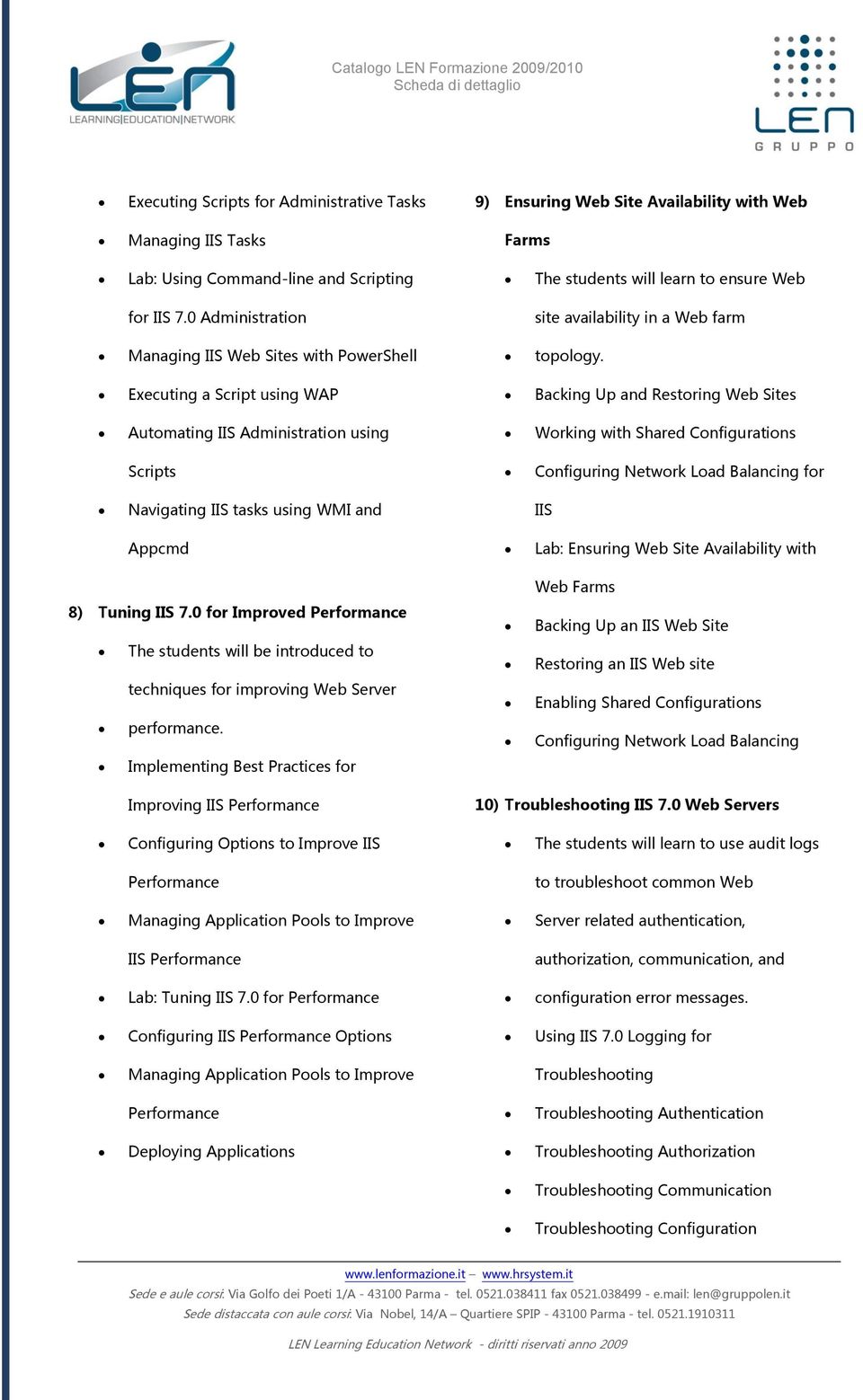
4 Executing Scripts for Administrative Tasks Managing IIS Tasks 9) Ensuring Web Site Availability with Web Farms Lab: Using Command-line and Scripting The students will learn to ensure Web for IIS 7.0 Administration site availability in a Web farm Managing IIS Web Sites with PowerShell topology. Executing a Script using WAP Backing Up and Restoring Web Sites Automating IIS Administration using Working with Shared Configurations Scripts Configuring Network Load Balancing for Navigating IIS tasks using WMI and IIS Appcmd Lab: Ensuring Web Site Availability with 8) Tuning IIS 7.0 for Improved Performance The students will be introduced to techniques for improving Web Server performance. Implementing Best Practices for Web Farms Backing Up an IIS Web Site Restoring an IIS Web site Enabling Shared Configurations Configuring Network Load Balancing Improving IIS Performance 10) Troubleshooting IIS 7.0 Web Servers Configuring Options to Improve IIS The students will learn to use audit logs Performance to troubleshoot common Web Managing Application Pools to Improve Server related authentication, IIS Performance authorization, communication, and Lab: Tuning IIS 7.0 for Performance configuration error messages. Configuring IIS Performance Options Using IIS 7.0 Logging for Managing Application Pools to Improve Troubleshooting Performance Troubleshooting Authentication Deploying Applications Troubleshooting Authorization Troubleshooting Communication Troubleshooting Configuration
5 Lab: Troubleshooting IIS 7.0 Web Servers Troubleshooting Communication Troubleshooting Authentication Troubleshooting Configuration Troubleshooting Authorization Types MODALITA FORMATIVE o SEMINARIO Intervento collettivo d'aula a taglio divulgativo, di approfondimento o generico su di un tema afferente ai contenuti sotto descritti. La durata è stabilita da un minimo di 3 ad un massimo di 8 ore. o WORKSHOP Intervento collettivo d'aula a taglio pratico sperimentale finalizzato alla condivisione di problemi, proposte, soluzioni, esami di certificazione e strumenti specifici afferenti ai contenuti sotto descritti e ai processi aziendali ad essi collegati. La durata è stabilita da un minimo di 3 ad un massimo di 16 ore. o CORSO TRAINING: «il sapere e il saper fare» intervento frontale, seminariale e di laboratorio finalizzato all introduzione e alla conoscenza teorica e pratica dell argomento in oggetto. TRAINING ON THE JOB: «il saper risolvere» intervento personalizzato finalizzato alla conduzione di strumenti operativi e di soluzioni pratiche Le durate sono coerenti rispetto agli obiettivi e sono stabilite da un minimo di 9 ad un massimo di 40 ore.

6

MS WINDOWS SERVER 2008 - CONFIGURING, MANAGING AND MAINTAINING SERVERS
 MS WINDOWS SERVER 2008 - CONFIGURING, MANAGING AND MAINTAINING SERVERS UN BUON MOTIVO PER [cod. E103] Questo corso combina i contenuti di tre corsi: Network Infrastructure Technology Specialist, Active
ORA1144 Oracle WebLogic Server 12c: Administration I
 Tel. +39 02 365738 [email protected] www.overneteducation.it ORA1144 Oracle WebLogic Server 12c: Administration I Durata: 5 gg Descrizione Questo corso insegna come installare e configurare Oracle
MS OFFICE COMMUNICATIONS SERVER 2007 IMPLEMENTING AND MAINTAINING AUDIO/VISUAL CONFERENCING AND WEB CONFERENCING
 MS OFFICE COMMUNICATIONS SERVER 2007 IMPLEMENTING AND MAINTAINING AUDIO/VISUAL CONFERENCING AND WEB CONFERENCING UN BUON MOTIVO PER [cod. E603] L obiettivo del corso è fornire le competenze e conoscenze
MOC20740 Installation, Storage, and Compute with Windows Server 2016
 Tel. +39 02 365738 [email protected] www.overneteducation.it MOC20740 Installation, Storage, and Compute with Windows Server 2016 Durata: 4.5 gg Descrizione Questo corso è pensato per gli IT professionals
Installing and Configuring Windows Server 2012 (MOC 20410)
 Installing and Configuring Windows Server 2012 (MOC 20410) Durata Il corso dura 4,5 giorni. Scopo Questo è un corso ufficiale Microsoft che prevede un docente approvato d Microsoft ed il manuale ufficiale
CORSO 50403: Implementing Active Directory Rights Management Services with Exchange and SharePoint
 CORSO 50403: Implementing Active Directory Rights Management Services with Exchange and SharePoint CEGEKA Education corsi di formazione professionale Implementing Active Directory Rights Management Services
MS WINDOWS SERVER 2008 - DESIGNING A WINDOWS SERVER 2008 NETWORK INFRASTRUCTURE
 MS WINDOWS SERVER 2008 - DESIGNING A WINDOWS SERVER 2008 NETWORK INFRASTRUCTURE UN BUON MOTIVO PER [cod. E112] L obiettivo del Corso è fornire ai partecipanti la preparazione e le competenze necessarie
CORSO MOC20409: Server Virtualization with Windows Server Hyper-V and System Center
 CORSO MOC20409: Server Virtualization with Windows Server Hyper-V and System Center CEGEKA Education corsi di formazione professionale Cegeka S.p.A. [1/5] Server Virtualization with Windows Server Hyper-V
CALENDARIO CORSI SEDE DI PISA Valido dal 01/06/2015 al 31/08/2015
 Corsi Programmati Codice (MOC) Titolo Durata (gg) Prezzo Date Prossime Edizioni Microsoft Windows Server 2012 10961 Automating Administration with Windows PowerShell 5 1700,00 08/06;06/07;07/09;19/10;
M MOC MS MICROSOFT 365 SECURITY ADMINISTRATION
 M365-37 - MOC MS-500 - MICROSOFT 365 SECURITY ADMINISTRATION Categoria: MS 365 INFORMAZIONI SUL CORSO Durata: 4 Giorni Categoria: MS 365 Qualifica Istruttore: Microsoft Certified Trainer Dedicato a: Professionista
CORSO CWS-215: CWS-215 Citrix Virtual Apps and Desktops 7 Administration. CEGEKA Education corsi di formazione professionale
 CORSO CWS-215: CWS-215 Citrix Virtual Apps and Desktops 7 Administration CEGEKA Education corsi di formazione professionale CWS-215 Citrix Virtual Apps and Desktops 7 Administration Il corso CWS-215 è
CORSO MOC20347A: Enabling and Managing Office 365
 CORSO MOC20347A: Enabling and Managing Office 365 CEGEKA Education corsi di formazione professionale Cegeka S.p.A. [1/5] Enabling and Managing Office 365 This is a 5-day instructor-led training (ILT) course
MS WINDOWS VISTA - DEPLOYING AND MANAGING THE MICROSOFT DESKTOP OPTIMIZATION PACKS
 MS WINDOWS VISTA - DEPLOYING AND MANAGING THE MICROSOFT DESKTOP OPTIMIZATION PACKS UN BUON MOTIVO PER [cod. E405] L obiettivo del Corso è fornire ai partecipanti la preparazione e le competenze necessarie
Installing and Configuring Windows 10 (MOC 20697-1)
 Installing and Configuring Windows 10 (MOC 20697-1) Durata Il corso dura 4,5 giorni. Scopo Questo è un corso ufficiale Microsoft che prevede un docente approvato d Microsoft ed il manuale ufficiale Microsoft
Corso: Developing Microsoft SharePoint Server 2013 Advanced Solutions Codice PCSNET: MSP2-7 Cod. Vendor: 20489 Durata: 5 Obiettivi
 Corso: Developing Microsoft SharePoint Server 2013 Advanced Solutions Codice PCSNET: MSP2-7 Cod. Vendor: 20489 Durata: 5 Obiettivi Descrivere le applicazioni per la piattaforma di sviluppo di SharePoint.
Percorso MCSA WINDOWS 8 Windows 8 Configuring
 Percorso MCSA WINDOWS 8 Windows 8 Configuring Descrizione Questo corso fornisce agli studenti un'esperienza pratica con Windows 8. Fornisce un supporto completo per l'installazione, l'aggiornamento e la
Esame 70-271 : Supporting Users Running the Microsoft Windows XP Operating Systems (corso Moc 2261)
 Esame 70-271 : Supporting Users Running the Microsoft Windows XP Operating Systems (corso Moc 2261) Questo corso ha lo scopo di fornire ai professionisti senza esperienza specifica di lavoro con Microsoft
Server Virtualization with Windows Server Hyper-V and System Center (MOC 20409)
 Server Virtualization with Windows Server Hyper-V and System Center (MOC 20409) Durata Il corso dura 4,5 giorni. Scopo Questo è un corso ufficiale Microsoft che prevede un docente approvato d Microsoft