
MS WINDOWS VISTA - DEPLOYING AND MANAGING THE MICROSOFT DESKTOP OPTIMIZATION PACKS
|
|
|
- Ricardo Ferrante
- 10 anni fa
- Просмотров:
Транскрипт
1 MS WINDOWS VISTA - DEPLOYING AND MANAGING THE MICROSOFT DESKTOP OPTIMIZATION PACKS UN BUON MOTIVO PER [cod. E405] L obiettivo del Corso è fornire ai partecipanti la preparazione e le competenze necessarie per utilizzare tutti gli strumenti disponibili nel Microsoft Desktop Optimization Pack (MDOP) per migliorare il processo di Change Management e ridurre la necessità di supporto nel proprio ambiente di lavoro. A CHI È RIVOLTO Amministratore/Sistemista Il corso si rivolge essenzialmente ai professionisti IT che si occupano della configurazione dei desktop (amministratori di rete, consulenti ecc.). Prerequisiti: Conoscenza di Active Directory e dei suoi concetti come ad esempio quello di Group Policy Conoscenza ed esperienza con Windows Server 2003 Conoscenze fondamentali di SQL Server 2005 Conoscenze fondamentali di Windows Terminal Services Conoscenze fondamentali di System Management Server 2003 Conoscenze fondamentali di Microsoft Operations Manager Esperienza nella gestione dei desktop Windows in un ambiente di tipo Enterprise COMPETENZE ACQUISITE Al termine del corso i partecipanti avranno un'approfondita conoscenza dell'ambiente di Application Virtualization e saranno in grado di installare, configurare, amministrare e risolvere i problemi dei relativi

2 componenti. I partecipanti saranno inoltre in grado di installare e utilizzare i componenti MDOP e comprendere la loro posizione nel processo di gestione dei desktop. PROGRAMMA DI DETTAGLIO 1) Optimizing Windows Desktop Management in the Enterprise Overview of Microsoft Desktop Error Monitoring Desktop Management in the Enterprise Installing and Configuring Desktop Error Overview of the Microsoft Desktop Monitoring Optimization Pack Lab: Monitoring Desktops Using Lab: Not applicable to this module Microsoft Desktop Error Monitoring Exercise 1: Configuring a Management 2) Controlling Group Policy Objects Using Advanced Group Policy Management Server for Client Monitoring Exercise 2: Importing the Client Monitoring ADM Template into a Group Overview of Advanced Group Policy Policy Object Management Exercise 3: Viewing Reporting Results Configuring Group Policy Using AGPM Managing Group Policy Using AGPM Lab: Controlling Group Policy Using 4) Managing Software Inventory Using the Asset Inventory Service AGPM Exercise 1: Installing AGPM Overview of the Asset Inventory Service Exercise 2: Managing Controlled Group Deploying AIS Clients Policy Objects Managing Computers Reporting to AIS Managing Software Inventory 3) Monitoring Desktops Using Microsoft Desktop Error Monitoring Lab: Deploying the AIS Client

3 Exercise 1: Deploying the AIS using Group Policy Application Management Lifecycle Exercise 2: Configuring computer group Benefits of Application Virtualization membership Microsoft Application Virtualization Exercise 3: Asset Inventory scenarios Management Overview Lab: Exploring System Center Application 5) Repairing and Diagnosing Computer Systems Using the Diagnostics and Recovery Toolset Virtualization Exercise 1: Examining the client environment prior to running a virtualized Overview of the Diagnostics and application Recovery Toolset Exercise 2: Running a virtualized Recovering Computer Systems with ERD application on a client Commander Exercise 3: Examining differences Overview of the Administrative Tools between virtualized and non-virtualized Category applications on a client Overview of the Networking Tools Category Overview of the Systems Tools Category 7) Application Virtualization Management Architecture Differences Between DaRT 5 and DaRT 6 Lab: Repairing Computer Systems Using Elements of Application Virtualization DART Exercise 1: Creating the ERD Boot Disk Interaction of the Application Exercise 2: Experimenting with the ERD Virtualization Management Components Recovery Tools Publishing an Application Lab: Using the MSCAV Streaming Server 6) Introduction to the Microsoft Application Virtualization Management System Exercise 1: Install a MSCAV Streaming Server
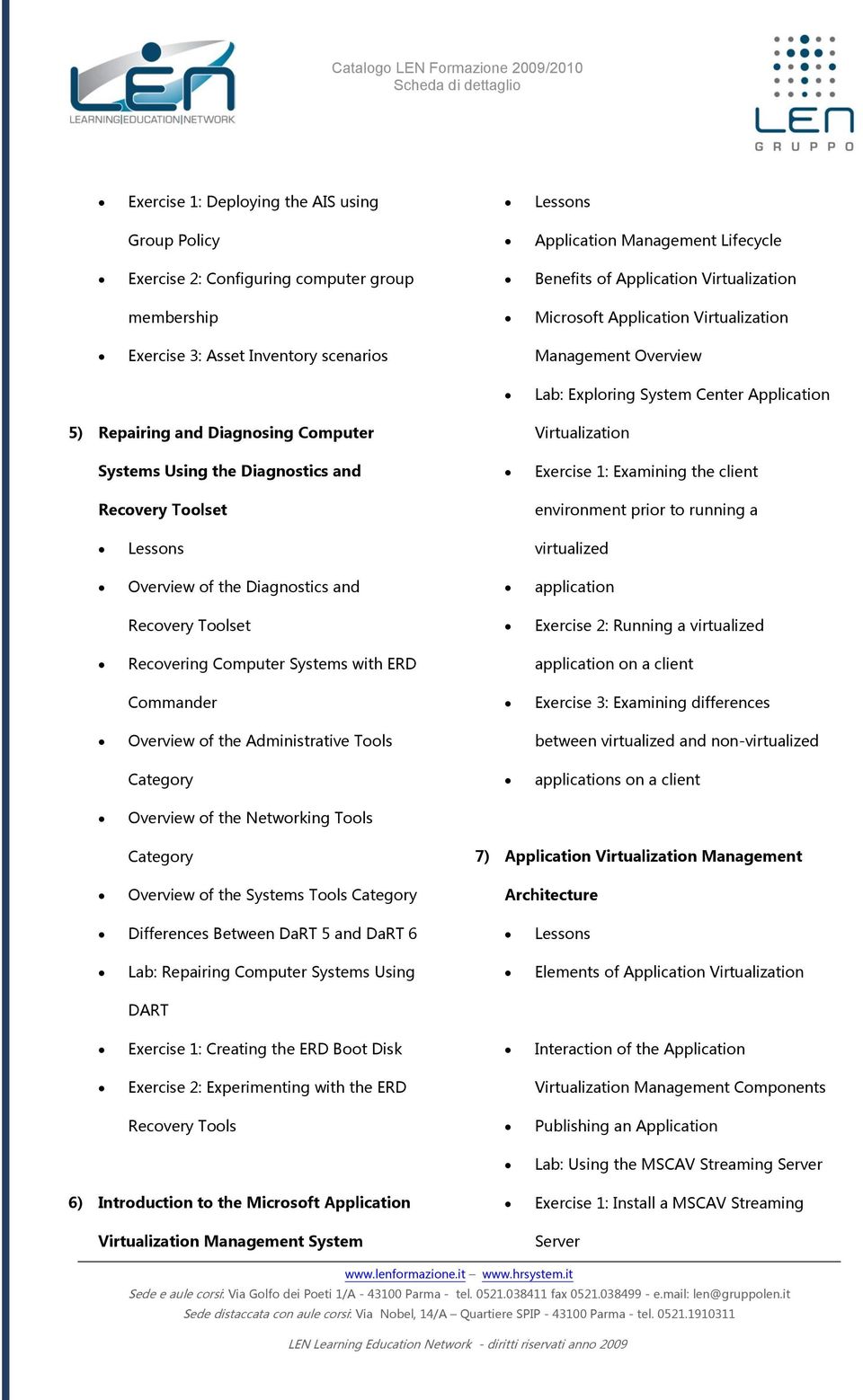
4 Exercise 2: Copy a Package Into the Installing and configuring the Application Streaming Server Exercise 3: Configure a Client System to Managing Client Configuration Features Connect to the Streaming Server Lab A: Deploying the Application Exercise 4: Install and Run the Application from the Streaming Server Exercise 1: Installing the Application 8) Planning and Deploying the Application Virtualization Management System Exercise 2: Testing the client install Exercise 3: Configuring the Root Node Planning the Supporting Infrastructure options Deployment Scenarios for the Application Lab B: Managing Client Configuration Virtualization Management System Features Deployment Scenarios for Branch Offices Exercise 1: Modifying Desktop Overview of the Server Installation Configuration Server Options Process Exercise 2: Creating a New Application Lab: Installing the Application Using the Desktop Client Virtualization Management Server Exercise 3: Configuring Offline Mode for Exercise 1: Installing the Application Disconnected Operation Virtualization Management Server Exercise 2: Preparing the Content Directory for Application Streaming 10) Administering the Application Virtualization Management Server 9) Planning and Installing the Application Overview of the Application Virtualization Management Console Publishing Applications into the Planning the Application Virtualization Application Virtualization Environment Client Deployment Configuring Active Upgrades

5 Lab A: Publishing Applications into the Exercise 2: Creating the new Policy Application Virtualization Environment Provider Exercise 1: Configuring a default content Exercise 3: Testing the license path enforcement Exercise 2: Publishing an Application Exercise 4: Configure Group Options Exercise 3: Verifying Application Virtualization Functionality Lab B: Configuring Active Upgrades for 12) Planning and Deploying the Application Published Applications Exercise 1: Creating the Office Introduction to the Application Application Group Exercise 2: Publishing the original version Planning the Sequencer Environment of Microsoft Office 2003 Installing and Configuring the Exercise 3: Testing the published Application application Sequencing Applications for Exercise 4: Publish an updated version of Virtualization Office 2003 for an active upgrade Lab A: Installing the Application 11) Advanced Application Virtualization Administration Tasks Exercise 1: Configuring a Partition to be the Q drive Exercise 2: Installing the Application Configuring Provider Policies Lab B: Sequencing Applications for Enforcing License Compliance Virtualization Managing Server Groups and Server Exercise 1: Sequencing an application Objects Exercise 2: Sequencing multiple versions Lab: Implementing License Enforcement of the same application Exercise 1: Creating the Licensing Group
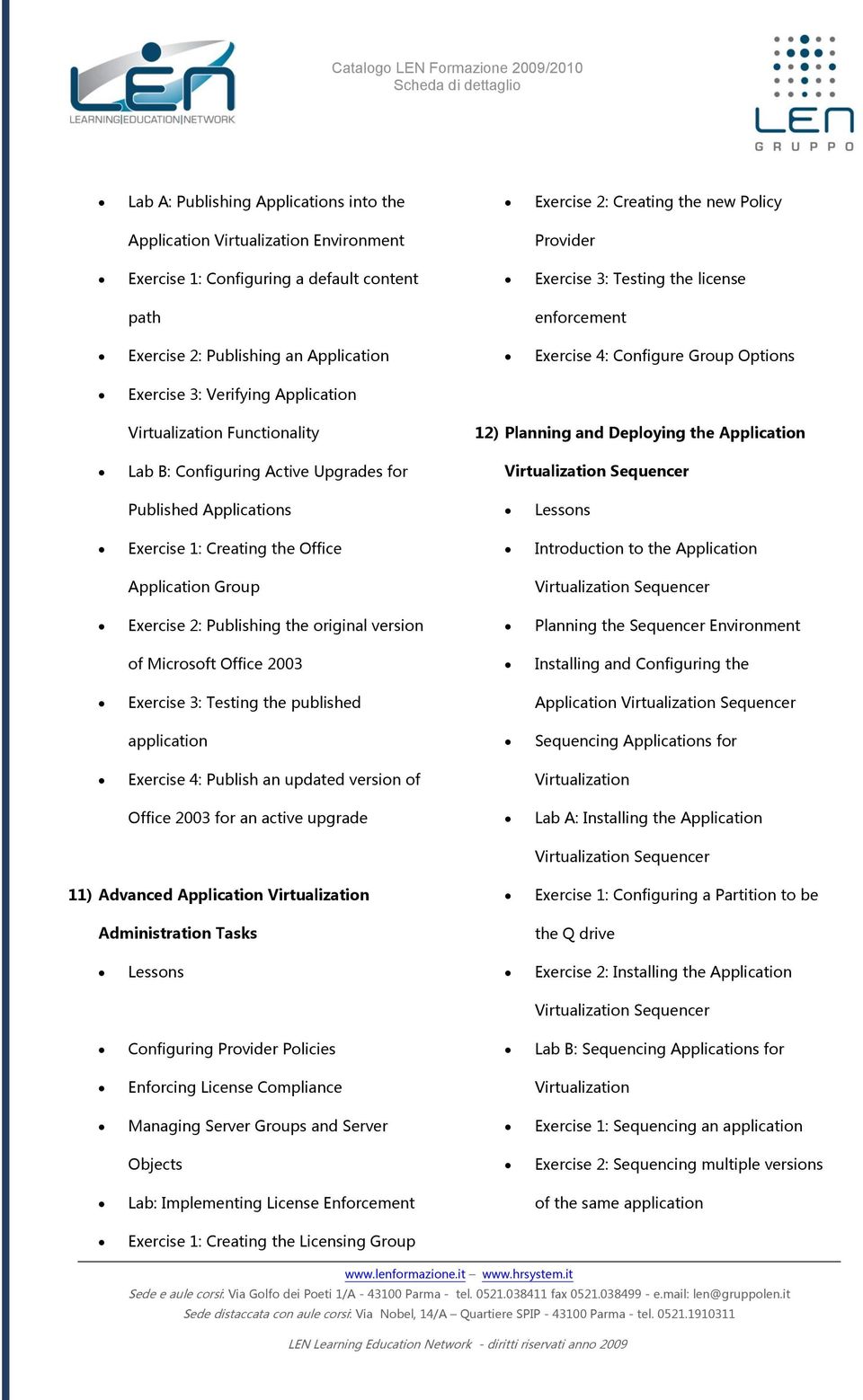
6 Exercise 3: Sequencing an application Sequencing a Stand Alone Package with with pre-configured options the MSI utility Lab: Advanced Sequencing 13) Advanced Sequencing Exercise 1: Performing a Package Upgrade Upgrading Existing Packages Exercise 2: Sequencing Hard-Coded Advanced Package Options Applications Installing a Hard-Coded Application into Exercise 3: Sequencing a Web-Based a Virtual Environment application Sequencing a Web-based Application MODALITA FORMATIVE o SEMINARIO Intervento collettivo d'aula a taglio divulgativo, di approfondimento o generico su di un tema afferente ai contenuti sotto descritti. La durata è stabilita da un minimo di 3 ad un massimo di 8 ore. o WORKSHOP

7 Intervento collettivo d'aula a taglio pratico sperimentale finalizzato alla condivisione di problemi, proposte, soluzioni, esami di certificazione e strumenti specifici afferenti ai contenuti sotto descritti e ai processi aziendali ad essi collegati. La durata è stabilita da un minimo di 3 ad un massimo di 16 ore. o CORSO TRAINING: «il sapere e il saper fare» intervento frontale, seminariale e di laboratorio finalizzato all introduzione e alla conoscenza teorica e pratica dell argomento in oggetto. TRAINING ON THE JOB: «il saper risolvere» intervento personalizzato finalizzato alla conduzione di strumenti operativi e di soluzioni pratiche Le durate sono coerenti rispetto agli obiettivi e sono stabilite da un minimo di 9 ad un massimo di 40 ore.

MS WINDOWS SERVER 2008 - CONFIGURING, MANAGING AND MAINTAINING SERVERS
 MS WINDOWS SERVER 2008 - CONFIGURING, MANAGING AND MAINTAINING SERVERS UN BUON MOTIVO PER [cod. E103] Questo corso combina i contenuti di tre corsi: Network Infrastructure Technology Specialist, Active
MS OFFICE COMMUNICATIONS SERVER 2007 IMPLEMENTING AND MAINTAINING AUDIO/VISUAL CONFERENCING AND WEB CONFERENCING
 MS OFFICE COMMUNICATIONS SERVER 2007 IMPLEMENTING AND MAINTAINING AUDIO/VISUAL CONFERENCING AND WEB CONFERENCING UN BUON MOTIVO PER [cod. E603] L obiettivo del corso è fornire le competenze e conoscenze
MS WINDOWS SERVER 2008 - DESIGNING A WINDOWS SERVER 2008 NETWORK INFRASTRUCTURE
 MS WINDOWS SERVER 2008 - DESIGNING A WINDOWS SERVER 2008 NETWORK INFRASTRUCTURE UN BUON MOTIVO PER [cod. E112] L obiettivo del Corso è fornire ai partecipanti la preparazione e le competenze necessarie
Esame 70-271 : Supporting Users Running the Microsoft Windows XP Operating Systems (corso Moc 2261)
 Esame 70-271 : Supporting Users Running the Microsoft Windows XP Operating Systems (corso Moc 2261) Questo corso ha lo scopo di fornire ai professionisti senza esperienza specifica di lavoro con Microsoft
Administering Windows Server 2012 (MOC 20411)
 Administering Windows Server 2012 (MOC 20411) Durata Il corso dura 4,5 giorni. Scopo Questo è un corso ufficiale Microsoft che prevede un docente approvato d Microsoft ed il manuale ufficiale Microsoft
Server Virtualization with Windows Server Hyper-V and System Center (MOC 20409)
 Server Virtualization with Windows Server Hyper-V and System Center (MOC 20409) Durata Il corso dura 4,5 giorni. Scopo Questo è un corso ufficiale Microsoft che prevede un docente approvato d Microsoft
CALENDARIO CORSI SEDE DI PISA Valido dal 01/06/2015 al 31/08/2015
 Corsi Programmati Codice (MOC) Titolo Durata (gg) Prezzo Date Prossime Edizioni Microsoft Windows Server 2012 10961 Automating Administration with Windows PowerShell 5 1700,00 08/06;06/07;07/09;19/10;
Corso: Advanced Solutions of Microsoft SharePoint Server 2013 Codice PCSNET: MSP2-5 Cod. Vendor: 20332 Durata: 5
 Corso: Advanced Solutions of Microsoft SharePoint Server 2013 Codice PCSNET: MSP2-5 Cod. Vendor: 20332 Durata: 5 Obiettivi Descrivere le funzionalità di base di SharePoint 2013 Pianificare e progettare
MS SQL SERVER 2005 - UPGRADING TO MICROSOFT SQL SERVER 2005
 MS SQL SERVER 2005 - UPGRADING TO MICROSOFT SQL SERVER 2005 UN BUON MOTIVO PER [cod. E316] Lo scopo di questo corso non MOC è fornire ai database professionals che lavorano in realtà di tipo enterprise
MS WINDOWS SERVER CONFIGURING AND TROUBLESHOOTING INTERNET INFORMATION SERVICES
 MS WINDOWS SERVER 2008 - CONFIGURING AND TROUBLESHOOTING INTERNET INFORMATION SERVICES UN BUON MOTIVO PER [cod. E704] L obiettivo del Corso è fornire ai partecipanti la preparazione e le competenze necessarie
Corso: Planning and Managing Windows 7 Desktop Deployments and Environments Codice PCSNET: MSW7-3 Cod. Vendor: 6294 Durata: 5
 Corso: Planning and Managing Windows 7 Desktop Deployments and Environments Codice PCSNET: MSW7-3 Cod. Vendor: 6294 Durata: 5 Obiettivi In questo corso, gli studenti impareranno a progettare la distribuzione
Installing and Configuring Windows 10 (MOC 20697-1)
 Installing and Configuring Windows 10 (MOC 20697-1) Durata Il corso dura 4,5 giorni. Scopo Questo è un corso ufficiale Microsoft che prevede un docente approvato d Microsoft ed il manuale ufficiale Microsoft
Armando Iannone. Caponago (MI), 20867, Lombardia, Italia. Cellulare: 335-6439819. Email: [email protected]
 Armando Iannone Caponago (MI), 20867, Lombardia, Italia Cellulare: 335-6439819 Email: [email protected] Senior system engineer su Linux - Microsoft server 2003-2008 Aprile 2003 - oggi Orion Servizi
a. Fornitura di contributi didattici e schede di verifica su manuali cartacei.
 MCDST Microsoft Certified Desktop Support Technician Descrizione Il corso MCDST (Microsoft Certified Desktop Support Technician) delinea e certifica una figura professionale di supporto all utente ed è
CORSO MOC20415: Implementing a Desktop Infrastructure. CEGEKA Education corsi di formazione professionale
 CORSO MOC20415: Implementing a Desktop Infrastructure CEGEKA Education corsi di formazione professionale Implementing a Desktop Infrastructure Questo corso fornisce le competenze e le conoscenze necessarie
CORSO 50403: Implementing Active Directory Rights Management Services with Exchange and SharePoint
 CORSO 50403: Implementing Active Directory Rights Management Services with Exchange and SharePoint CEGEKA Education corsi di formazione professionale Implementing Active Directory Rights Management Services
Formazione Microsoft 2014
 Formazione Microsoft 2014 Microsoft Silver Learning Partner PROMOZIONI Scopri tutte le offerte speciali di Fast Lane - GKI sul nostro sito web Calendario Corsi MICROSOFT SILVER LEARNING PARTNER I Microsoft
MOC20740 Installation, Storage, and Compute with Windows Server 2016
 Tel. +39 02 365738 [email protected] www.overneteducation.it MOC20740 Installation, Storage, and Compute with Windows Server 2016 Durata: 4.5 gg Descrizione Questo corso è pensato per gli IT professionals
Installing and Configuring Windows Server 2012 (MOC 20410)
 Installing and Configuring Windows Server 2012 (MOC 20410) Durata Il corso dura 4,5 giorni. Scopo Questo è un corso ufficiale Microsoft che prevede un docente approvato d Microsoft ed il manuale ufficiale
Corso base di Informatica. Microsoft Excel. Microsoft Access INFORMATICA. Docente: Durata: 40 ore. Destinatari
 53 Corso base di Informatica Durata: 40 ore Tutti coloro che hanno necessità di utilizzare con efficacia ed efficienza il personal computer. Introduzione agli strumenti di base del sistema operativo windows;
MS VISUAL STUDIO 2008 - EFFECTIVE TEAM DEVELOPMENT USING MICROSOFT VISUAL STUDIO TEAM SYSTEM
 MS VISUAL STUDIO - EFFECTIVE TEAM DEVELOPMENT USING MICROSOFT VISUAL STUDIO TEAM SYSTEM UN BUON MOTIVO PER [cd. S185] L biettiv del Crs è frnire ai partecipanti la preparazine e le cmpetenze necessarie
M MOC MS MICROSOFT 365 SECURITY ADMINISTRATION
 M365-37 - MOC MS-500 - MICROSOFT 365 SECURITY ADMINISTRATION Categoria: MS 365 INFORMAZIONI SUL CORSO Durata: 4 Giorni Categoria: MS 365 Qualifica Istruttore: Microsoft Certified Trainer Dedicato a: Professionista
Distribuire Applicazioni virtualizzate con APP-V
 Distribuire Applicazioni virtualizzate con APP-V di Nicola Ferrini MCT MCSA MCSE MCTS MCITP Introduzione Application Virtualization è un tool integrato nel pacchetto MDOP (Microsoft Desktop Optimization
Codice Corso Titolo Corso Durata Ore totali Microsoft Sistemi Operativi Windows Server 2008 Windows Server 2003 Windows 7
 Codice Corso Titolo Corso Durata Ore totali Microsoft Sistemi Operativi Windows Server 2008 MOC10159 Updating Windows Server 2008 Technology Skills to R2 3 24 MOC10215 Implementing and Managing Server